 Hexalian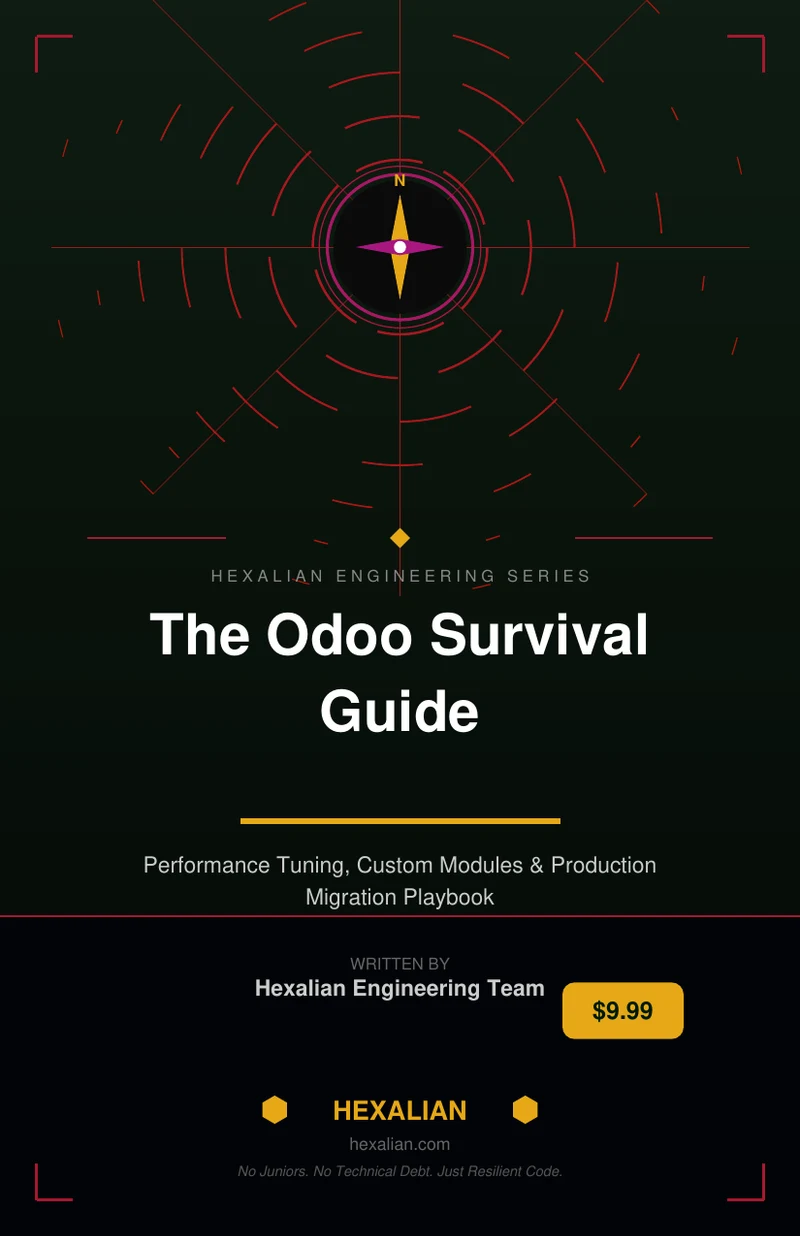
Odoo Survival Guide: A Practical Playbook for Running Odoo in Production
The Odoo Survival Guide is a field-tested playbook for running Odoo in production, covering architecture, upgrades, and day-two operations. This practical guide is designed for Odoo developers, technical leads, and implementation partners who want to avoid common deployment pitfalls.
Get the full PDF: Odoo Survival Guide
View book & download →Introduction
The Odoo Survival Guide is a comprehensive playbook designed to help Odoo developers, technical leads, and CTOs navigate the complexities of running Odoo in production. With a focus on performance tuning, custom modules, and production migration, this guide provides a field-tested approach to ensuring the success of Odoo deployments. Written by engineers who have reviewed over 40 production deployments, the Odoo Survival Guide offers a unique perspective on the common pitfalls that can lead to Odoo failures and provides practical solutions to overcome them.
What Odoo Survival Guide Covers
The Odoo Survival Guide covers a wide range of topics that are essential for running Odoo in production. From diagnosing the reasons behind Odoo deployment failures to tuning PostgreSQL for Odoo workloads, the guide provides a detailed and comprehensive approach to ensuring the success of Odoo deployments. It also covers the importance of writing ORM and Python patterns that can survive production traffic, architecting custom modules for maintainability and upgrades, and executing data migrations without losing business continuity. Additionally, the guide provides insights on how to scale architecture towards 1,000+ concurrent users and turn Odoo expertise into a module revenue stream.
Deep Dive: PostgreSQL Optimization
One of the key areas covered in the Odoo Survival Guide is PostgreSQL optimization. The guide provides a detailed approach to optimizing PostgreSQL for Odoo workloads, including how to tune database parameters, optimize queries, and ensure data integrity. By following the guidelines outlined in the book, developers and technical leads can ensure that their Odoo database is optimized for performance, scalability, and reliability. This is critical for ensuring the success of Odoo deployments, as a poorly optimized database can lead to slow performance, data corruption, and even system crashes.
Deep Dive: Custom Module Architecture
Another critical area covered in the Odoo Survival Guide is custom module architecture. The guide provides a detailed approach to building custom modules that are maintainable, scalable, and upgradable. By following the guidelines outlined in the book, developers and technical leads can ensure that their custom modules are designed to meet the needs of their business, while also ensuring that they are easy to maintain and upgrade. This is critical for ensuring the long-term success of Odoo deployments, as poorly designed custom modules can lead to technical debt, system crashes, and even data loss.
Practical Checklist You Can Use This Week
The Odoo Survival Guide provides a practical checklist that developers and technical leads can use to ensure the success of their Odoo deployments. The checklist covers a range of topics, including database optimization, custom module architecture, and data migration. By following the checklist, developers and technical leads can quickly identify potential issues with their Odoo deployment and take corrective action to ensure the success of their project. This is particularly useful for developers and technical leads who are new to Odoo or who are looking to optimize their existing Odoo deployment.
Odoo Production Notes
The Odoo Survival Guide also provides a range of production notes that are essential for ensuring the success of Odoo deployments. The notes cover a range of topics, including how to scale architecture towards 1,000+ concurrent users, how to execute data migrations without losing business continuity, and how to turn Odoo expertise into a module revenue stream. By following the production notes outlined in the book, developers and technical leads can ensure that their Odoo deployment is optimized for performance, scalability, and reliability, while also generating revenue through the sale of custom modules.
Who Should Read This
The Odoo Survival Guide is essential reading for Odoo developers and technical leads who are running production instances of Odoo. It is also a must-read for implementation partners who want to minimize day-two firefights and ensure the long-term success of their Odoo deployments. Additionally, CTOs evaluating whether their Odoo stack will survive growth should read the guide to ensure that they have a comprehensive understanding of the potential pitfalls and challenges associated with running Odoo in production.
Conclusion
In conclusion, the Odoo Survival Guide is a comprehensive playbook that provides a field-tested approach to ensuring the success of Odoo deployments. By following the guidelines outlined in the book, developers and technical leads can diagnose and fix common issues, optimize their database and custom modules, and ensure the long-term success of their Odoo deployment. Whether you are an experienced Odoo developer or just starting out, the Odoo Survival Guide is an essential resource that will help you navigate the complexities of running Odoo in production. Get Odoo Survival Guide — $9.99 PDF (instant download) →
Browse Odoo modules at hexalian.com/store or explore our engineering eBooks.
Running Odoo in production?
Get Odoo modules with full source code, or talk to us about custom development and hardening.