 Hexalian
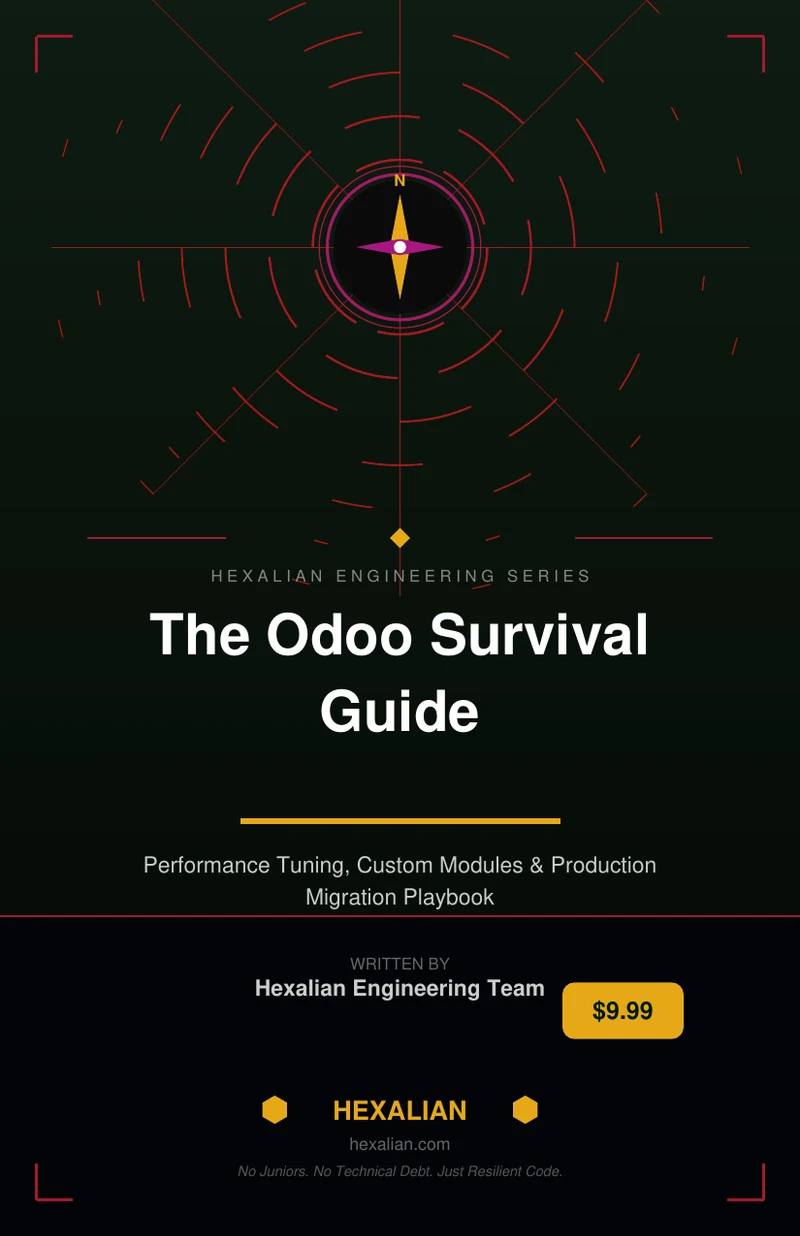
Odoo Survival Guide
The Odoo Survival Guide is a practical playbook for running Odoo in production, covering architecture, upgrades, and day‑two operations. It equips developers, technical leads, and CTOs with proven strategies to avoid common failures and scale to 1,000+ users.
Get the full PDF: Odoo Survival Guide
View book & download →Introduction
Odoo is a powerful, open‑source ERP platform that can power everything from small boutiques to complex multinational enterprises. Yet, the very flexibility that makes Odoo attractive is also the source of many deployment failures. In production environments, the most common culprits are poor hosting choices, unoptimized databases, and custom modules that break under load. The Odoo Survival Guide is a practical playbook written by Hexalian engineers who ship Odoo updates every week. It distills real‑world audit findings into actionable guidance, helping you avoid the pitfalls that turn a promising implementation into a costly firefight.
What Odoo Survival Guide Covers
This guide is a concise, field‑tested reference that covers the entire lifecycle of a production Odoo deployment. It starts with the hidden cost of mis‑configuration, then walks through the critical areas that determine long‑term success:
- Diagnosing Deployment Failures – Learn the early warning signs that your Odoo instance is on the brink of a performance crisis.
- PostgreSQL Tuning – Discover the database settings and query patterns that give Odoo the speed and stability it needs at scale.
- Application Performance Patterns – Master ORM and Python coding practices that keep your custom modules responsive under heavy traffic.
- Custom Module Architecture – Build modules that are maintainable, upgrade‑friendly, and resilient to future changes.
- Data Migration Playbook – Execute smooth migrations without interrupting business operations.
- Scaling Architecture – Design infrastructure that supports 1,000+ concurrent users without compromising performance.
- Monetizing Expertise – Turn your Odoo knowledge into a revenue stream by developing and selling modules.
Each chapter is written as a decision‑oriented checklist, so you can immediately apply the lessons to your own projects.
Deep Dive: PostgreSQL Optimization
At the heart of every Odoo deployment lies PostgreSQL. Even a perfectly engineered application will suffer if the database is not tuned for Odoo’s workload. The PostgreSQL Optimization section provides a step‑by‑step approach to configuring PostgreSQL for maximum throughput and minimal latency.
First, you’ll learn how to size shared buffers, work memory, and maintenance work memory based on the number of concurrent users and the size of your data. The guide explains why the default settings are often too conservative for production and how to adjust them safely. Next, you’ll explore autovacuum tuning, ensuring that table bloat does not become a silent performance killer.
The chapter also covers indexing strategies unique to Odoo, such as composite indexes for many‑to‑many relationships and functional indexes for computed fields. By following the recommended index patterns, you can reduce query times from seconds to milliseconds. Finally, you’ll see how to monitor query performance with tools like pg_stat_statements, and how to interpret the results to spot slow queries before they hit your users.
Deep Dive: Custom Module Architecture
Custom modules are the lifeblood of any Odoo implementation, but poorly designed modules can quickly become a maintenance nightmare. The Custom Module Architecture section outlines a modular, upgrade‑friendly design philosophy that keeps your codebase clean and future‑proof.
The guide starts with the principle of separation of concerns: keep business logic, data models, and presentation layers isolated. It then introduces the concept of “extension points” – well‑defined APIs that other modules can hook into without breaking compatibility. By exposing clear extension points, you can add new features without rewriting existing code.
Next, you’ll learn about the importance of versioned migrations. The book walks through how to write migration scripts that can be safely applied to any database state, preventing the “upgrade hell” that plagues many Odoo deployments. It also covers best practices for naming conventions, dependency management, and testing strategies that ensure your modules remain stable across Odoo releases.
Finally, the section provides a checklist for code review and documentation, emphasizing the need for clear, maintainable code that future developers can understand and extend.
Practical Checklist You Can Use This Week
- Audit Your Current PostgreSQL Settings – Verify shared buffers, work memory, and autovacuum parameters against the guide’s recommendations.
- Run pg_stat_statements – Identify the top 10 slowest queries and apply the suggested indexing strategies.
- Review Custom Modules – Ensure each module follows the separation of concerns principle and exposes clear extension points.
- Version Your Migrations – Create a migration script for any pending database changes and test it against a staging environment.
- Set Up Monitoring – Deploy a lightweight monitoring stack (e.g., Prometheus + Grafana) to track database latency and CPU usage.
- Document Your Architecture – Update your internal documentation with the current architecture diagram and module dependencies.
- Schedule a Quarterly Review – Plan a quarterly audit of your Odoo instance to catch performance regressions early.
Implementing even a few of these items will give you immediate visibility into potential failure points and help you build a more resilient system.
Odoo Production Notes
Operating Odoo in production is more than just keeping the server online; it’s about maintaining a predictable, high‑performance environment. The production notes section consolidates the operational best practices that Hexalian engineers apply daily:
- High Availability – Use PostgreSQL replication and load balancers to ensure zero downtime during maintenance windows.
- Backup Strategy – Implement automated, incremental backups with point‑in‑time recovery capabilities.
- Security Hardening – Enforce SSL, secure database credentials, and apply the latest security patches to both Odoo and the underlying OS.
- Resource Scaling – Adopt containerization (Docker) and orchestration (Kubernetes) to scale horizontally as user load grows.
- Performance Monitoring – Continuously track response times, error rates, and queue lengths to detect anomalies before they affect users.
- Change Management – Use Git for version control, CI/CD pipelines for automated testing, and blue‑green deployments for zero‑downtime upgrades.
By following these notes, you can transform Odoo from a “nice to have” tool into a core, mission‑critical component of your enterprise infrastructure.
Who Should Read This
The Odoo Survival Guide is designed for professionals who are responsible for the reliability, performance, and scalability of Odoo deployments:
- Odoo Developers & Technical Leads – Those who write custom modules and need to ensure their code remains maintainable and efficient.
- Implementation Partners – Consultants who deploy Odoo for clients and want to reduce day‑two incidents.
- CTOs & CIOs – Decision makers evaluating whether their current Odoo stack can support growth to 1,000+ concurrent users.
- Operations Engineers – Individuals tasked with maintaining uptime, monitoring performance, and managing infrastructure.
If you are looking to move beyond a proof‑of‑concept and into a production‑ready, high‑performance Odoo environment, this guide is the essential companion.
Conclusion
The Odoo Survival Guide is more than a manual; it is a battlefield playbook written by engineers who have fought and won in the trenches of Odoo deployments. By addressing the most common failure points—database tuning, custom module design, and scalable architecture—it equips you with the knowledge to turn a fragile implementation into a robust, growth‑ready ERP system. Whether you are a developer, a consultant, or a C‑suite executive, the insights in this guide will help you navigate the ERP jungle with confidence and precision.
Browse Odoo modules at hexalian.com/store or explore our engineering eBooks.
Running Odoo in production?
Get Odoo modules with full source code, or talk to us about custom development and hardening.